Nginx Proxy Manager Certificate Renewal: Why It Stops
Your Nginx Proxy Manager certificate did not renew and the UI says Internal Error. Where the real message is, what schedules renewals, and what to fix.
⚡ The short version
Nginx Proxy Manager renews from a timer inside its own backend process, not from cron, and it only tells you "Internal Error" when that fails. The real message is in letsencrypt.log under your data directory. Read it before you touch anything, because the three fixes people reach for first — toggling Force SSL, restarting, deleting the certificate — each cost you something and two of them are usually aimed at the wrong thing.
Setup guides end at the green padlock. This is the part two months later, when the certificate quietly fails to renew and clicking Renew in the interface returns a two-word error with nothing behind it. Visitors see nothing for another month, which is the reason it goes unnoticed: the proxy starts trying 30 days before expiry, so the failure and the browser warning are a month apart.
Everything below about Nginx Proxy Manager certificate renewal was read from the project’s source at tag v2.16.0 and from Let’s Encrypt’s own documentation on 8 October 2026. The v2.16.0 commit is dated 24 September 2026, and it is the newest of the 90 tags the repository publishes, none of which carries a release-candidate suffix.
What Actually Runs Your Renewals?
A timer inside the backend process, not cron and not certbot’s own scheduler. This matters because almost every troubleshooting instinct from a plain certbot install is aimed at the wrong place.
The source at v2.16.0 is specific about it. When the backend starts it logs Let's Encrypt Renewal Timer initialized, runs a renewal pass immediately, and then repeats that pass on an interval of exactly one hour. Each pass queries its own database for certificates that are Let’s Encrypt issued, not deleted, and expiring within 30 days, then renews whatever comes back — one at a time, with a comment in the code explaining why: two certbot processes at once produce Another instance of Certbot is already running.
Three consequences follow, and they are the reason this post exists:
- The database decides, not the file on disk. The pass filters on an
expires_oncolumn in the proxy’s database, which is only updated after a renewal succeeds. The certificate file is never consulted to decide whether to try. - A failing certificate is retried every hour, indefinitely. Nothing backs off and nothing escalates. Your logs fill up and your inbox stays empty.
- If the backend is down, nginx is not. They are separate processes in the same container. The proxy keeps serving every site on its existing certificates while nothing schedules a single renewal, which is the failure mode that looks most like “everything is fine”.
So the first thing worth checking is not the certificate. It is whether the timer is running at all.
Where Is the Real Error?
In two log files under the data directory you mounted, and the interface shows you neither by default. letsencrypt.log holds what certbot actually said. backend.log holds what the renewal timer did with it.
Version 2.16.0 added a log viewer to the admin interface that reads both, listing them as Let’s Encrypt and System. That route does not exist on 2.15.1 — the file that implements it returns a 404 when you ask the repository for it at that tag — so on anything older you read the files directly:
# the certbot output behind "Internal Error"
docker compose exec npm tail -n 80 /data/logs/letsencrypt.log

# what the renewal timer did, and whether it is running at all
docker compose exec npm grep -E "Renewal Timer|Renewing SSL" /data/logs/backend.log | tail -n 20
That second command is the one people skip. If the timer is alive you see an hourly Renewing SSL certs expiring within 30 days line. If the last one is three weeks old, you have found your problem and it has nothing to do with Let’s Encrypt — restart the container and watch the lines reappear.
"Internal Error" is not a certbot message. It is what the interface shows when the backend throws anything it does not have a specific message for. Treat it as "look in the log", not as a symptom with its own fix. Every real diagnosis in this post comes out of letsencrypt.log.
Does Force SSL Really Block the Renewal?
Not on its own — and this is the most repeated fix in the forum threads that currently hold page one for this problem.
The folklore is half right about the mechanism. Nginx Proxy Manager’s Force SSL rule does redirect a real challenge request. Its generated config carves out exactly one path, the literal /.well-known/acme-challenge/test-challenge, and a genuine challenge arrives at that directory with a random token on the end instead. So yes, over HTTP, the request that Let’s Encrypt makes gets a 301 to HTTPS.
The folklore is wrong about the consequence. Let’s Encrypt’s own documentation on challenge types, last updated 12 February 2026, says its HTTP-01 implementation follows redirects up to ten deep, accepts them to http: or https: on ports 80 or 443, and does not validate certificates when it lands on an HTTPS URL — precisely because the challenge exists to bootstrap a certificate that may be missing or expired.
So the redirect is followed and the expired certificate at the other end is ignored. Turning Force SSL off helps in one specific case: when the HTTPS side cannot be reached at all. If port 443 is closed, forwarded to a different machine, or answering on a port Let’s Encrypt will not follow to, the redirect leads nowhere and removing it lets the challenge be answered on port 80 directly.
That makes the toggle a diagnostic rather than a fix. If turning it off makes renewal work, your port 443 path is broken and you have just learned something worth fixing properly — see the reverse proxy setup guide for what should be forwarded where. If it changes nothing, stop toggling it and go back to the log.
Port 80, or DNS: Which One Moved?
One of the two, nearly always, and the giveaway is that your site still works. A certificate issued three months ago keeps serving long after the path that proved you own the name has quietly broken — and that path runs through the domain you pointed at this server, not through the proxy.
Let’s Encrypt’s documentation is blunt about the constraint: the HTTP-01 challenge can only be done on port 80, because allowing arbitrary ports would make it less secure, and the ACME standard does not permit it. There is no setting on your side that changes this.
Four things change between a working setup and its first renewal, in rough order of how often they do:
| What changed | Why renewal breaks | How to check |
|---|---|---|
| Your home IP address rotated | DNS still points at the old address | Compare dig +short your.domain against your current public IP |
| The router rebooted | Port 80 forward did not come back | curl -sI http://your.domain/.well-known/acme-challenge/x from outside your network |
| A DNS record was repointed | The name now resolves somewhere else | Same dig, then check which record you edited last |
| Something else grabbed port 80 | Another container published it first | docker ps --format "{{.Names}} {{.Ports}}" | grep ":80" |
Run the curl from a machine outside your network, not from the server. From inside, your router may answer in a way the internet never sees, and a check that passes locally and fails remotely is the single most common false negative here. A 404 from that command is a good result — it means the request reached the proxy. A timeout means it did not.
If the answer turns out to be that your provider puts you behind carrier-grade NAT, there is no port to open and no amount of renewal debugging will help. That is the case for moving the service behind a tunnel or switching this certificate to DNS validation, which proves control through a record in your zone instead of a file on your server.
Renew, or Delete and Reissue?
Renew. Delete and reissue is the answer the forums reach for second and it should be your last move, because it spends a limit you cannot get back.
Let’s Encrypt publishes the numbers, last updated 5 August 2026. Up to five certificates per exact set of names every seven days, refilling at one every 34 hours, and the documentation states plainly that no override is offered for it. Separately, five authorization failures per name per account per hour, refilling at one every 12 minutes.
It is five issuances that succeed, not five attempts. A renewal that fails does not spend one — failures come out of the separate hourly allowance above. What spends an issuance is a delete-and-reissue that works, so five of those for the same names inside seven days is the ceiling and the sixth is refused, with the proxy's hourly timer competing for the same five. Let's Encrypt's own answer is to stop debugging against production: it recommends its staging environment, "which has significantly higher limits", and this proxy reaches it by setting LE_STAGING on the container.
The order that does not waste anything:
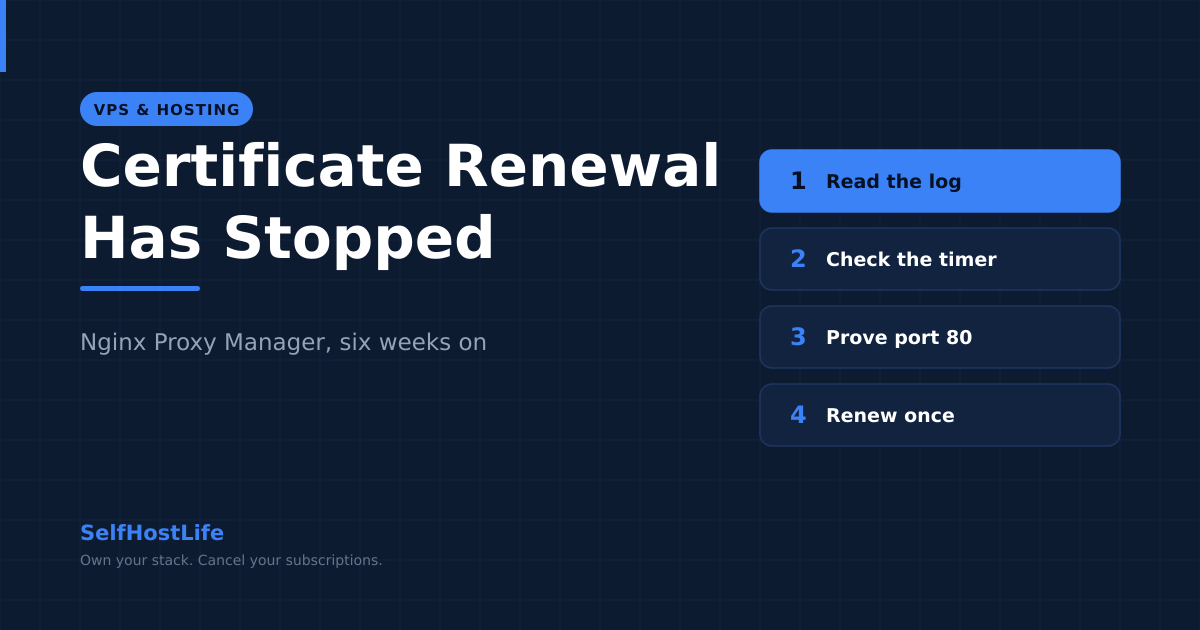
- Read
letsencrypt.logand find the actual failure. - Confirm the timer is alive in
backend.log. - Prove port 80 reaches the proxy from outside, with the
curlabove. - Fix whatever that turns up, then click Renew once.
- Only if the certificate itself is corrupt on disk, delete and reissue.
Step five is genuinely rare. It is the right move when the files under the live certificate path are missing or truncated — a disk that filled is the usual cause — and almost never otherwise.
What If Everything Checks Out and It Still Will Not Renew?
Then look at the container rather than the certificate, because the remaining explanations are all about the process.
The sequential renewal comment in the source points at the first one. Certbot refuses to run while another instance holds its lock, and the proxy serialises its own renewals precisely to avoid that. What it cannot serialise is a certbot process you started yourself, or one left behind by a previous run that did not exit. If the log says another instance is already running and you are not running one, restarting the container clears it.
The second is disk. The proxy writes certbot’s working files, its own logs and its database under the same mounted directory, and a full disk produces errors in letsencrypt.log that read like network failures. docker compose exec npm df -h /data settles it in one line, and the Docker workflow guide covers why a volume fills up in the first place.
The third is the one worth a note in your calendar rather than a fix. A Let’s Encrypt certificate still lasts 90 days by default, checked in their certificate lifetime documentation on 8 October 2026, and renewal starts 30 days out — so you get 30 days of hourly attempts before anything user-visible happens. Nothing in the proxy will tell you that 29 of them have been used. That cushion also shrinks: Let’s Encrypt has published plans to cut the maximum lifetime to 45 days by February 2028, which halves the window a silent failure can hide in. If you run anything that watches services — and if you do not, the hardening guide is where that habit starts — point it at the expiry date of your own certificate, not at whether the site loads. The site loads right up until the day it does not.
Frequently Asked Questions About Nginx Proxy Manager Certificate Renewal
What schedules certificate renewal in Nginx Proxy Manager?
Not cron. A timer inside the backend process fires once an hour and once more at startup, looks in its own database for Let’s Encrypt certificates expiring within 30 days, and renews those one at a time. Read from the project source at tag v2.16.0 on 8 October 2026. If the backend process is not running, nothing renews, and nginx keeps serving your sites the whole time.
Where is the real error when renewal says Internal Error?
In two log files inside the container, under the data directory you mounted: letsencrypt.log holds what certbot actually said, and backend.log holds what the renewal timer did. Version 2.16.0 added a log viewer that reads both from the admin interface. On 2.15.1 and earlier that route does not exist, so you read them with docker compose exec instead.
Does Force SSL stop a Let’s Encrypt renewal?
Not on its own, despite how often that fix is repeated. Nginx Proxy Manager does redirect a real challenge request to HTTPS, because its force-ssl rule only exempts one hardcoded test path. But Let’s Encrypt follows up to 10 redirects, accepts ports 80 and 443, and does not validate the certificate it finds at the other end. Turning Force SSL off helps only when the HTTPS side cannot be reached at all.
Why does renewal fail two months after setup when nothing changed?
Something outside the proxy almost always changed. The challenge needs port 80 reachable on the exact hostname, so a rotated home IP address, a router that dropped its port forward after a reboot, or a DNS record repointed at something else will each break renewal while leaving the site itself working on its old certificate.
How many times can you delete and reissue a certificate?
Five times in seven days for the same exact set of names, and that allowance refills at one every 34 hours. Let’s Encrypt publishes no override for it. Separately, five authorization failures per name per account per hour are allowed, refilling at one every 12 minutes. Both figures come from the Let’s Encrypt rate limit documentation, last updated 5 August 2026.
Should you switch to DNS validation instead?
It is the right answer if port 80 cannot be opened at all, which covers carrier-grade NAT and the handful of residential providers that block the port. DNS validation proves control through a record in your zone instead of a file on your server, so nothing has to be reachable from outside. It costs you an API token for your DNS provider, stored on the proxy.
Product links on this site are plain links. We earn nothing from them — see our disclosure policy.