Docker Volume Backup: Copy It, Then Prove It Restores
How to back up Docker volumes properly: reach a named volume from the host, dump databases instead of copying them, and prove the restore actually works.
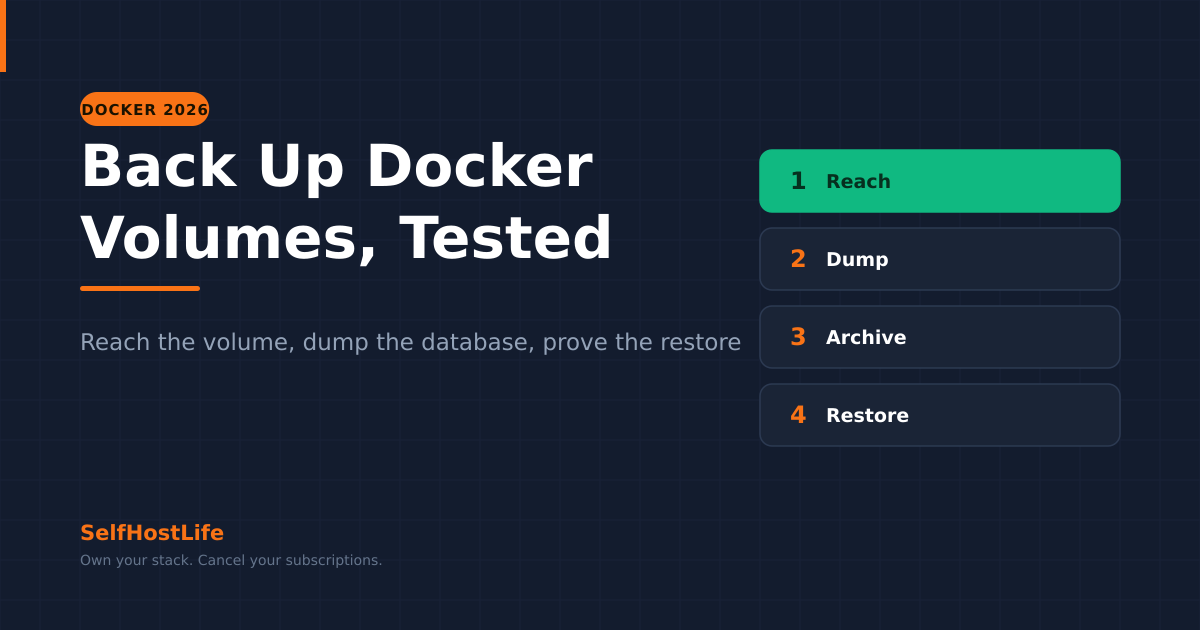
⚡ The short version
Back up a Docker volume by mounting it into a throwaway container and writing an archive out to the host — you do not reach into Docker's directory yourself. Dump databases with their own tool first, because copying a running database's files usually produces something that will not restore. Then restore into an empty scratch volume and diff it, because that is the only part of this that is actually evidence.
Every Docker guide, this site’s included, ends the storage chapter with “so back up your volumes”, and almost none say how. The gap is not rhetorical: a named volume has no path you can usefully cp from, and the obvious thing to try is the one that silently corrupts databases.
A docker volume backup has three parts that people tend to collapse into one: reaching the data, capturing it in a state that will restore, and proving that it does. This walks all three, with the commands, on a stack that has a database in it — which is most of them.
Named Volume or Bind Mount?
Two kinds of storage appear in a compose file, and they need different handling.
A named volume — vw-data:/data — is storage Docker creates and owns. On Linux it lands under Docker’s own directory, and docker volume inspect prints where:
docker volume inspect vw-dataThe Mountpoint field comes back looking like /var/lib/docker/volumes/vw-data/_data (Docker’s storage documentation, checked 3 September 2026). Useful to know, unhelpful to use: the directory belongs to root, and the ownership of the files inside was set by whatever user the container runs as — the same numbers behind a permission denied that no PUID line fixes.
A bind mount — /srv/photos:/usr/src/app/upload — is a host directory you chose. It is an ordinary path and any backup tool reads it directly. One quirk: if the host path does not exist, the -v form silently creates it as a directory, while --mount errors out unless you pass bind-create-src (Docker’s bind-mount documentation, checked 3 September 2026). That is how people end up backing up an empty directory that a typo created.
| Named volume | Bind mount | |
|---|---|---|
| Where it lives | Docker’s directory, path from docker volume inspect |
The host path you named |
| How you back it up | Mount it into a throwaway container | Read the directory directly |
Removed by docker compose down -v |
Yes | No |
Removed by docker volume prune |
Yes, if unused | No |
The Docker for self-hosting guide covers why a database usually wants the named volume and a media library the bind mount. For backup, the difference is only that one of them needs a container to get at it.
How Do You Reach a Named Volume?
The move is a throwaway container mounting two things: the volume you want, and a host directory to write into. Docker’s documentation demonstrates it with --volumes-from against a running container; mounting the volume by name works even when the app is gone.
docker run --rm \
  -v vw-data:/source:ro \
  -v "$(pwd)":/backup \
  alpine \
  tar czf /backup/vw-data.tar.gz -C /source .
Four things are doing work there. --rm deletes the container the moment tar exits. :ro mounts the source read-only, so a mistake in the command cannot damage the live data. -C /source . archives the volume’s contents rather than a /source directory containing them, which is what makes the restore land in the right place. And alpine is just a small image with tar in it — any image with a shell will do.
Ownership survives the round trip. tar running as root inside the container records the numeric UID and GID of every file, and unpacking the archive the same way restores them. Copying files out to your laptop and back does not, and a container that cannot read its own data is the result.
A bind mount needs none of this. Point restic or Borg at the directory and move on.
Why Won’t the Backup Restore?
⚠️ Copying a running database's files is the failure mode of this entire topic. The database has pages in memory it has not written yet and a write-ahead log mid-transaction, so a copy taken at that instant is a database halfway through a thought. It will back up perfectly, compress well, upload without complaint, and then refuse to start when you restore it — a year later, on the day you needed it.
The fix is to ask the database for a consistent export rather than taking one behind its back. Each engine ships its own tool, already inside the container.
| Engine | Command to run inside the container | What comes out |
|---|---|---|
| PostgreSQL | pg_dump -U <user> <db> |
SQL text on standard output |
| MariaDB / MySQL | mariadb-dump -u <user> -p<pass> <db> |
SQL text on standard output |
| SQLite | sqlite3 <file> "VACUUM INTO '/out.db'" |
A second, consistent database file |
For a Postgres service named db in your compose file:
docker compose exec -T db pg_dump -U immich immich > immich.sqlThe -T matters. Without it Compose allocates a pseudo-TTY, which rewrites line endings in the stream and hands you a dump file that is subtly wrong. The official Postgres image ships the client tools alongside the server, so there is nothing to install; PostgreSQL 18 is the current stable major line as of 3 September 2026.
MariaDB is the same shape, with one wrinkle its image documentation calls out: if you use mariadb-backup rather than a logical dump, run it from an image of the same server version, because the two are tightly coupled (MariaDB image documentation, checked 3 September 2026).
SQLite is the one most self-hosters actually have, usually without noticing — Vaultwarden keeps its vault in a single SQLite file by default. VACUUM INTO writes a clean copy while the database stays open, and it refuses rather than overwrites if the destination file already exists, which the SQLite source confirms with the error output file already exists (checked 3 September 2026). Delete or rotate the target before each run.
Stop the Stack, or Dump It Live?
Dumping handles databases. It does not handle an app writing files while you archive them — Immich importing a camera roll, or Nextcloud receiving a sync, leaves an archive with a half-written file and a database that thinks it is complete.
✅ Stop the stack first
- Everything is consistent with everything else, including the database
- The command is one line:
docker compose stop, archive,docker compose start - For a small stack the outage is seconds, at 4 a.m., and nobody notices
❌ Back up live
- No downtime, which matters if other people use the service
- Needs a database dump to be correct at all
- Files written during the run may be captured mid-write
My default is to stop small stacks and dump large ones. A password vault is a few megabytes and nobody is using it at four in the morning, so stopping it removes an entire class of doubt for free. A terabyte media library cannot be stopped for the length of a full archive, so it gets a live database dump and accepts that a file uploaded during the window may need re-uploading.
Where Does restic or Borg Fit?
The archive above is a file. Everything in the 3-2-1 backup strategy — deduplication, encryption, an offsite copy — applies to it unchanged.
There is a better route for the database dump specifically. Restic can run the dump command itself rather than having you write a temporary file:
restic backup --stdin-filename immich.sql \
  --stdin-from-command -- \
  docker compose exec -T db pg_dump -U immich immich
The -- separates restic’s own flags from the command’s. Restic reads the command’s exit code, and a non-zero exit cancels the backup, so no snapshot is created (restic documentation, checked 3 September 2026).
The pipe version has a trap restic's own documentation warns about. Piping a dump into restic backup --stdin masks the dump command's failure: if the dump cannot connect, restic succeeds anyway and stores an empty backup. If you must use a pipe, put set -o pipefail at the top of the script. Checked against restic's backup documentation, 3 September 2026.
Borg cannot write to S3-compatible storage directly, so if your offsite copy is object storage the decision is already made. Both are actively maintained: restic’s latest release tag is v0.19.1 and Borg’s stable line is 1.4.5, with 2.0 still publishing betas (git ls-remote against both repositories, 3 September 2026).
A third tool, Kopia, runs the same job from a container and keeps the retention and compression rules in the repository rather than in the script. Whether it is worth switching to from restic turns on where you want those rules to live.
A nightly script for one stack is four steps: dump the database, archive each named volume, hand both plus the compose file and its .env to restic, prune old snapshots. End it with a dead-man’s-switch ping, because a script that has been failing quietly for six weeks is worse than no script — you thought you had one.
How Do You Prove the Restore Works?
This is the half that is actually evidence, and it is the half that gets skipped.
Restoring on top of the volume the app is using proves nothing and risks the live copy. Restore into a new empty volume instead:
docker volume create vw-data-test
docker run --rm \
  -v vw-data-test:/target \
  -v "$(pwd)":/backup:ro \
  alpine \
  tar xzf /backup/vw-data.tar.gz -C /target
Then compare it against the original, from a container that can see both:
docker run --rm \
  -v vw-data:/a:ro -v vw-data-test:/b:ro \
  alpine diff -r /a /b
Silence means the archive round-trips. If the app was running when you took the backup you will see differences in log and lock files, and reading which ones differ tells you what that app writes continuously.
A database dump gets the same treatment: a second Postgres container on a throwaway volume, load the dump, count rows in a table you recognise. Two minutes, and it is the difference between having a backup and believing you have one.
Delete the scratch volume when you are done — docker volume rm vw-data-test. Otherwise it sits there until docker volume prune finds it, which is a command people run when a disk is filling and not one they run carefully.
What Goes Into a Complete Backup?
Four things, and losing any one turns a restore into a reconstruction:
- The compose file. Without it you are reverse-engineering which image, which ports, which volume names.
- The
.envbeside it. A compose file without its.envstarts a stack that cannot log into its own database. - Every named volume and bind mount it declares, archived per volume rather than as one blob.
- A database dump per database, taken with the engine’s own tool and kept alongside the archives from the same run.
Note what is missing: the containers and the images. One command rebuilds both from the compose file, which is why the file is worth more than either. If you have been running containers without a compose file, a backup is a good reason to write one.
Frequently Asked Questions About Docker Volume Backups
Where are Docker volumes stored on the host?
On Linux, under Docker’s own directory, and docker volume inspect prints the exact path. The Mountpoint field in its output looks like /var/lib/docker/volumes/my-vol/_data. Knowing that path is not the same as being able to use it: it belongs to root, and the ownership of what is inside was decided by the container. Mount the volume into a throwaway container instead.
Can I copy /var/lib/docker/volumes to back everything up?
You can, and people do, but it fails in the two ways that matter. It copies live database files, which is the commonest cause of a backup that will not restore. And it flattens every volume into one blob, so restoring one app means restoring all of them. Back up volume by volume, and dump databases with their own tool first.
Do I have to stop the container to back up its volume?
For a database, no, provided you dump it rather than copy its files. For everything else it depends on whether the app writes continuously. A photo library written to during the copy gives you a snapshot that is internally inconsistent, and you will not know until you restore it. Stopping a small stack for a few seconds is cheap certainty; a large media volume gets a live database dump instead.
How do I back up a PostgreSQL database running in Docker?
Run the dump tool inside the running container and capture its output on the host, with docker compose exec -T db pg_dump piped into a file. The official Postgres image already carries the client tools, so nothing needs installing. Use -T so Compose does not allocate a TTY, which would otherwise corrupt the stream with carriage returns. Then back up the dump file rather than the database directory.
Does docker compose down delete my volumes?
Not on its own. Plain down removes the containers and the network and leaves named volumes alone, which is how you restart a stack cleanly. Adding the -v flag also removes every named volume the compose file declares, with no prompt and no undo. Bind mounts survive both, because Docker does not manage them.
How do I know my Docker volume backup actually works?
Restore it into a new, empty volume and compare that against the original. Restoring into the volume the app is using proves nothing and risks the live copy. Unpack the archive into a scratch volume from a throwaway container, then run diff against the source. A backup you have restored once is evidence; one you have never restored is a guess with a filename.
Product links on this site are plain links. We earn nothing from them — see our disclosure policy.